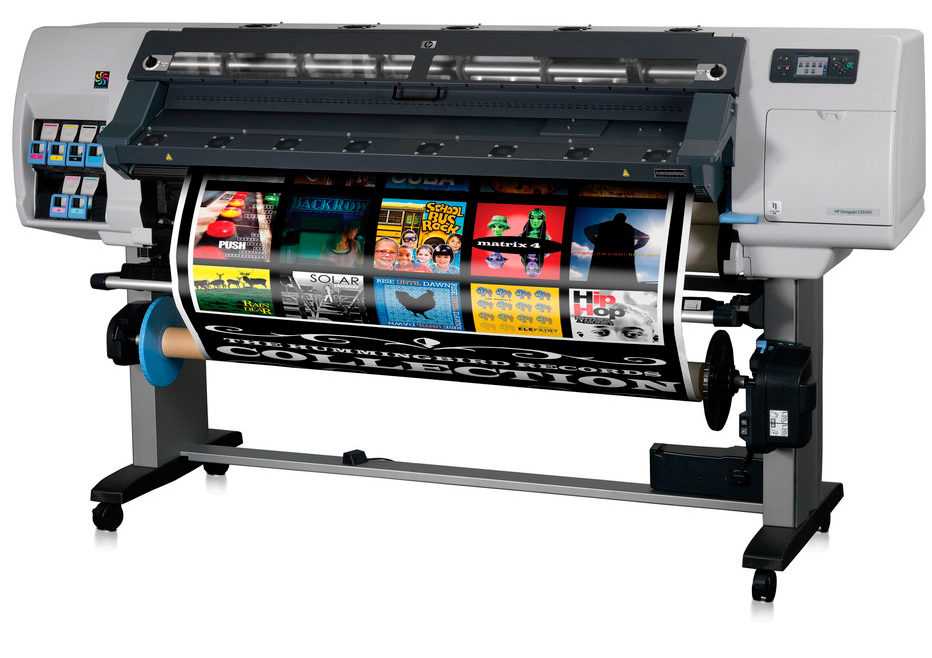
HP Designjet L25500 Printer
Service Maintenance Kit #1 #2 #3
When the front panel message 'Maintenance #1 #2 #3 required appears on your HP Designjet L25500 then it is time to call in the experts!
'Maintenance Required' means that you printer has reached one of its service intervals and the relevant maintenance kit must be fitted to maintain printer operations. Our engineer can visit your office to install the maintenance kit and provide a full service of your HP Designjet L25500 Printer.


Maintenance Kit #3 Required
Service Maintenance Kit 3 is triggered depending on the total quantity of ink that gone into the Ink Funnel
- Waste tubes, aerosol filter and ink funnel
- Drop Detector and ink funnel roller transmission
- Line sensor
- Platen label
- Lubrication felts
Maintenance Kit #2 Required
Service Maintenance Kit 2 is triggered depending on the number of service station cycles
- Service Station: including the Service station Motor, Drop detector, ink funnel roller transmission and Web Wipe Advance Assembly.
- Waste tubes, aerosol filter and Ink funnel.
- Line sensor
- Paper Jam sensor
- Two Lubricant oil bottles
Maintenance Kit #1 Required
Service Maintenance Kit 1 is triggered when the carriage cycles exceed a certain amount.
- Encoder strip and sensor
- Ink Supply Tubes and Trailing Cable
- Carriage Assembly (without the PCA, SOL, Line sensor and metal parts)
- Carriage PCA Cover
- Line sensor
- Scan Axis Motor Assembly
- Belt and Tension kit
- Paper Jam sensor
Speak directly to a HP Designjet L25500 Printer Engineer
Solve error message 'Maintenance Kit Required'