System Error 86:01 'Substrate Jam'
There are many causes for system error 86:01 and many of them are not caused by a substrate jam! Error 86:01 means that the printer has encountered any issue whilst moving the carriage in the x-axis directions (side-to-side). The error can often be accompanied by a loud grinding/banging noise. Common causes are: Worn drive belt & tensioner, dirty or damaged encoder strip & sensor, worn & dirty lubrication felt pads, dry slider rod. Try cleaning the slider rod and then oil with HP synthetic lubricant.
Ink Leaks
We have many reports of ink leaks inside the print zone on the silver back plate behind the belt. This is caused by a split in the ink tubes assembly at the point that it is attached to the carriage assembly. Firstly, stop printing! Then turn off the printer so that inks depressurise. The ink tube system is a sealed unit & unfortunately it will need replacing. Get in touch with us to discuss pricing.
Poor Print Quality / Banding
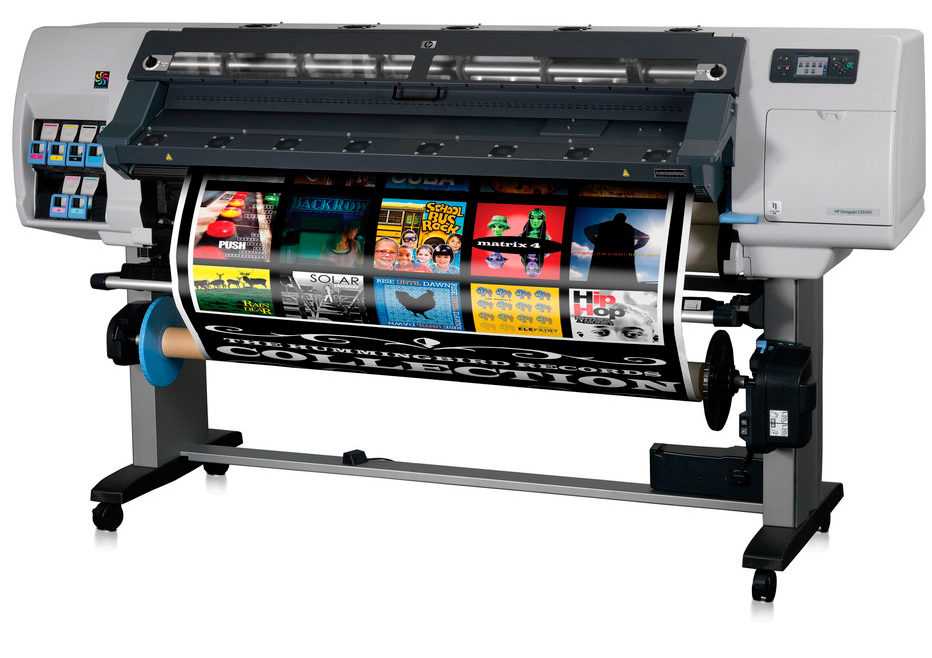
Poor print quality, banding & horizontal lines through your prints are all symptoms that your HP Designjet L25500 Plotter needs a maintenance service. Dirt & ink aerosol can build up on the internal components of your printer and cause print quality issues. Our Engineers can visit your site to 'strip-down' your printer and perform a full service
Service Maintenance #1 #2 #3 Required
Your HP Designjet L25500 has three scheduled maintenance kit intervals which when reached will require fitting of the relevant Service Maintenance Kit. These scheduled maintenance kits ensure that your HP Designjet L25500 will continue to operate at high quality. See more about the Maintenance kits here